

I have a new thing I’ve been thinking about the past few days.
It stems from a question that clients have been asking us ever since vibe coding was born.
“If AI can make an app in a few hours, why is it going to take months to build ours?”
This is a fair question, and I don’t think the right answer is “because production software is complicated” followed by a list of reasons that production software is complicated. Everyone has heard that list: security, integrations, permissions, testing, compliance, and protecting against outages while a developer is on vacation.
This is all true, but even those tasks are finite. Why do software projects feel infinite?
It’s because for as long as we have been developing software, we build it by guessing (or uncovering) every situation that users will encounter, then writing screens and rules for those situations ahead of time. And when real people and real businesses interact with software, the list of situations they might encounter is unlimited.
Why do we have to encode every possible scenario in advance?
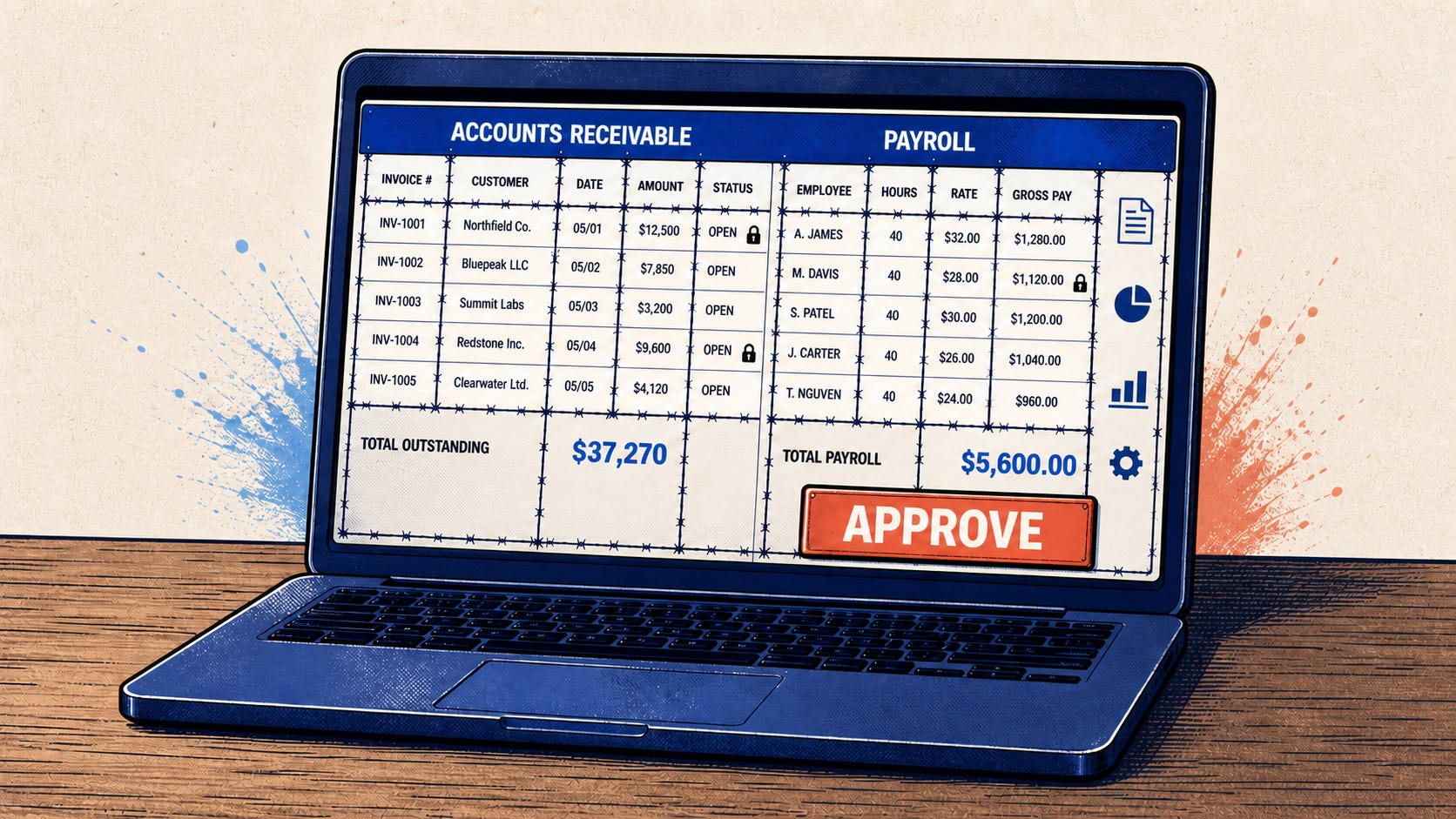
Some software that can truly be “done”
The firmware in a calculator is a good example. There are calculators from the 1970s that still work. They’ve never been updated. No product manager has said, “Hey, we need a new calculator experience for midsize businesses.” Nobody has a special calculator workflow because their procurement department handles subtraction differently.
The thing does arithmetic.
Business software is not calculators.
Business software becomes more complicated every day it is used successfully. A user needs a special case, a customer has a process nobody mentioned during discovery, the company opens an office in Germany, a regulator changes a rule, a vendor starts sending information in a slightly different format, or a report shows something which appeared to be an edge case is happening every week.
If the product is good, people find more reasons to use it. This additional usage creates more requirements. The software team grows because the business has expanded the number of things it wants the software to understand.
This surface area expansion is normal. The original team did not do a bad job estimating. There’s a great “walk from SF to LA” analogy for this that I’ve often shared with business leaders to help them understand why all software estimates are always under-estimates. Check it out: https://www.quora.com/Why-are-software-development-task-estimations-regularly-off-by-a-factor-of-2-3/answer/Michael-Wolfe?share=1
In a weird way, just like early AI pioneers were trying to create intelligence by encoding every possible rule and reason into software, software developers today are building knowledge systems about businesses by trying to encode every rule and reason about those businesses and their customers, vendors, and employees into software. They observe people doing work, ask them why they do it that way, find the rules, encode the rules, and rinse and repeat forever.
There are an essentially unlimited number of exception cases that weren’t accounted for in V1 in any business that has customers, employees, data, approvals, invoices, regulations, salespeople, or people who are good at making Excel into core business process artifacts.
And now AI is here.
AI can encounter a new situation, read some available information, and make a useful decision. It can understand that a person is asking for help, even when the person is not using the exact words a product manager wrote in a user story.
So why should business software continue to require a developer to foresee every possible path through the application and bake that path into a static interface?
It shouldn’t.
The problem is the screen
The AI can understand the situation. The user interface may not handle it.
A normal application screen represents someone’s prediction about what the user will want to do. The designer and product manager sat in a room and decided which fields would appear, which tabs would be available, what the buttons would say, and which information would be kept behind the third click in the fourth section of the left navigation.
They did their best. They probably talked to users, then made a Figma and loaded user stories into Jira. If they had great budgets, maybe they even did AB testing.
But the screen is still a prediction.
When the user’s situation fits the prediction, the software feels simple and intuitive. When it doesn’t, the user starts clicking around, opening documents, asking someone on Slack, or filing a feature request that will eventually become an “enhancement” ticket.
Here is an example.
Imagine someone in Accounts Payable opens an invoice and asks, “Why can’t I approve this?”
They have to look at the invoice, the purchase order, a receipt, the vendor record, approval policy, payment history, and, finally, whatever email thread contains the actual answer.
My imagined version of this application would assemble a workspace for this situation.
Maybe the invoice is three percent over the purchase order. The system shows the price comparison, the policy that allows the variance, similar past invoices, and an approval request.
Maybe the goods were never received. The system shows the delivery status, the buyer’s contact information, and a ready-to-edit message asking what happened. The approval button disappears because approval is not the job that needs to be done.
Maybe the vendor is new. The system shows vendor verification and compliance information.
Maybe this supplier has made the same error twenty times. The system can show the pattern and alert someone to investigate the purchasing process, because this has stopped being an invoice problem.
This is the idea I’m excited about: the software knows enough about the user’s goal and the current situation to change the workspace around the work.
Let’s not get crazy
There is an obvious bad version of this idea, but it’s still cool to talk about. VibeOS is a proof of concept demo written by Steve Sanderson that shows that AI can “make up” or “hallucinate” an entire operating system. With OS or app specific code to handle windows or workflows or data, it just draws the screen at 30 times per second as the user uses the mouse and keyboard based on how it “imagines” Windows 3.0 would appear given the actions the user takes. There is no calculator app code, but since Windows 3.0 had a calculator app, the AI can make one appear and even do math and look exactly like the old Windows 3.0 calculator in the process. It’s a trip! The cleanest way I can say how this works is that it’s like what happens in your own mind if I tell you to imagine yourself using a Windows 3.0 calculator to add 2+2. Can you imagine that? Did you have to write code in your head to imagine it? No. That’s what vibeOS is also doing. Take a look at it here:
The problem with this approach is that everything is always changing and there are no guardrails. One day the approval button is in the upper right corner. The next day it is behind a cartoon of a filing cabinet. At some point it might send a payment to a non-existent vendor.
No one wants this.
The building blocks still need to be designed. The company needs rules about data access, permissions, money movement, and human approval. The user needs to understand what the system is doing and be able to correct it. There needs to be an audit trail when something goes wrong.
Those are all product and engineering problems, so the people who build software still have plenty of work to do.
This constrained, building-block approach is the next step towards AI composing our software interfaces while we don’t entirely trust AI. Its role can be to choose from a trusted set of components and actions. It can decide which information matters most for this user and this moment. It can put the right pieces together and explain why.
The new UI paradigm is a working surface that responds to the work.
I don’t know what we should call this yet. “Generative UI” feels a little too much like a tool that makes startup landing pages. “Agentic UI” feels like someone is trying to sell me Silicon Valley pixie dust.
Maybe it is simply adaptive software.
Whatever the name is, I think this is where a huge amount of the value of AI will end up. AI-written code is making it cheaper to build software. AI-driven interfaces could make software feel like it was built specifically for the person using it.
Maybe we’ll be able to finally stop chasing an endless list of “enhancement” requests for years following an initial release.
Some of us are skipping the “adaptive software” step
One final thought. There are some of us that are already living in this future, but the world isn’t ready for it. Today, you can already connect up your various SaaS products to a Claude Code session (using a protocol called MCP that puts some limits and security on what Claude Code can do), and you can tell it things like “Make Customs Declarations with Google Docs for the shipments listed in all the spreadsheets in this folder.” or “Show me a list of overdue invoices sorted by amount.” But you have to know what you can ask, and there’s a risk (growing smaller as AI improves) that Claude Code will go and do something bad.
When we’ve shown this way of working to potential clients and asked if they want to do this or whether they want traditional software interfaces, they invariably say, “Traditional software interfaces, please.” even though they admit that the power of Claude Code looks incredible. So constrained, adaptive software isn’t the end state. It’s a transitional state to pull business users forward into the future that some of us are already living in.
Do we need this transitional step? Is this the way? My one fear on this approach is that building all the possible components and constraints that AI has to follow will end up being just about as difficult and limiting as our current static UI approach.
Thanks for reading!
—Jon Christensen